Alipay and WeChat Pay for Foreign Visitors: Setup, Cards and Fallbacks
How to set up Alipay and WeChat Pay with a foreign card, what to expect at small merchants, and how to pay when an app fails.
- Set up
- Before departure
- Cards
- Visa, Mastercard
- QR
- Scan or show
- Backup
- Cash + card
On this page
The short answer
Set up Alipay and WeChat Pay before you fly. Link a Visa or Mastercard, complete passport verification and test the app with a small payment. Keep cash and a physical card as backup.
Mobile payment is the default in Chongqing. Small shops may not have a card terminal, and some may not keep much change.
Why both apps
Alipay is often easier for visitors to set up and use. WeChat Pay is embedded in WeChat, which many travelers already use for messaging. Merchants usually display one or both QR codes.
Having both gives you a fallback when a card, verification step or merchant connection fails.
Setting up Alipay
- Download the app from your app store.
- Register with your phone number.
- Complete identity verification with your passport.
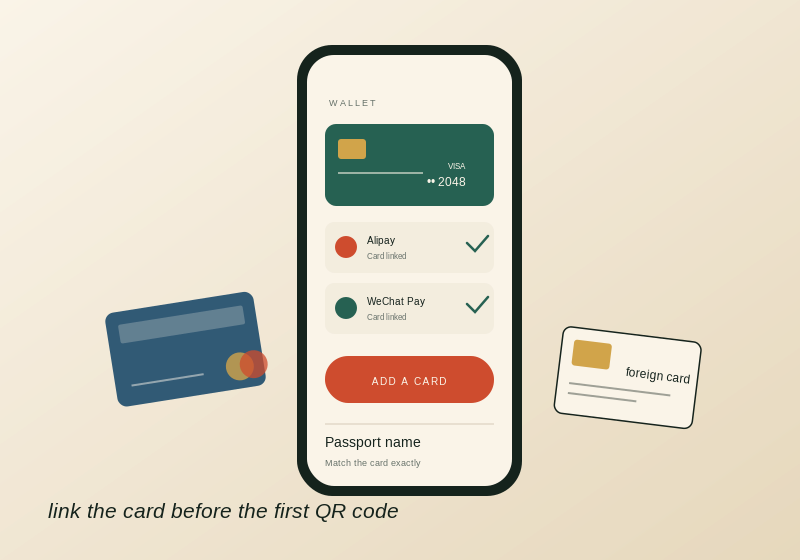
- Add an international card.
- Test a small payment, such as a drink or metro ticket.
- Set a payment password and enable biometric unlock if available.
The exact screens and limits change. Follow the in-app instructions and allow time for verification.
Setting up WeChat Pay
- Install WeChat and create an account.
- Complete the identity verification process.
- Add a card in the payments section.
- Test a small payment.
- Keep your passport details consistent with the card.
WeChat may require a contact verification step. Set it up before departure, when you can receive messages and troubleshoot.
How payment works
There are two common patterns:
- You scan the merchant’s QR code. Enter the amount and confirm.
- The merchant scans your payment code. Show the barcode or QR code in the app.
For small stalls, the code may be a personal account. That is normal. Check the amount before confirming.
Fees and limits
Fees and transaction limits depend on the card, the app and the merchant. Small payments are often fee-free, while larger transactions may carry a percentage. Check the app’s current terms.
Some merchants do not accept foreign cards for certain services, even when the app is linked. A local bank account is not required for most travel payments, but it can unlock more features.
When an app fails
- Try the other payment app.
- Use a physical card at a hotel or larger restaurant.
- Pay cash. Keep small notes.
- Ask a companion to pay and reimburse them.
- Use an ATM to withdraw cash if needed.
Do not rely on a single card or a single phone. Carry a power bank and a backup card.
Cash in Chongqing
Cash remains legal tender, but small merchants may not have change. Use cash for older stalls, tips or emergencies. ATMs are available near major banks and shopping areas.
Security
- Do not share your payment password.
- Check the merchant name and amount before confirming.
- Avoid scanning codes from strangers.
- Keep your phone locked.
- Report a lost card immediately.
The pre-trip test
Link both apps, complete verification and make one small purchase at home if the app allows it. A five-minute test is easier than troubleshooting at a hotpot counter with a queue behind you.
Five phrases for this stop
Photo spots that work
FAQ
Can foreigners use Alipay and WeChat Pay?
Yes. Both apps support foreign cards and passport verification for many visitors, though the exact process and limits can change.
Do I need a Chinese bank account?
No for many everyday payments. A foreign card linked to the app is often enough, but some services still require a Chinese account.
What if my card is declined?
Try the other app, use cash, or pay by card at a larger merchant. Keep a backup method for small stalls.